Symbolic calculus
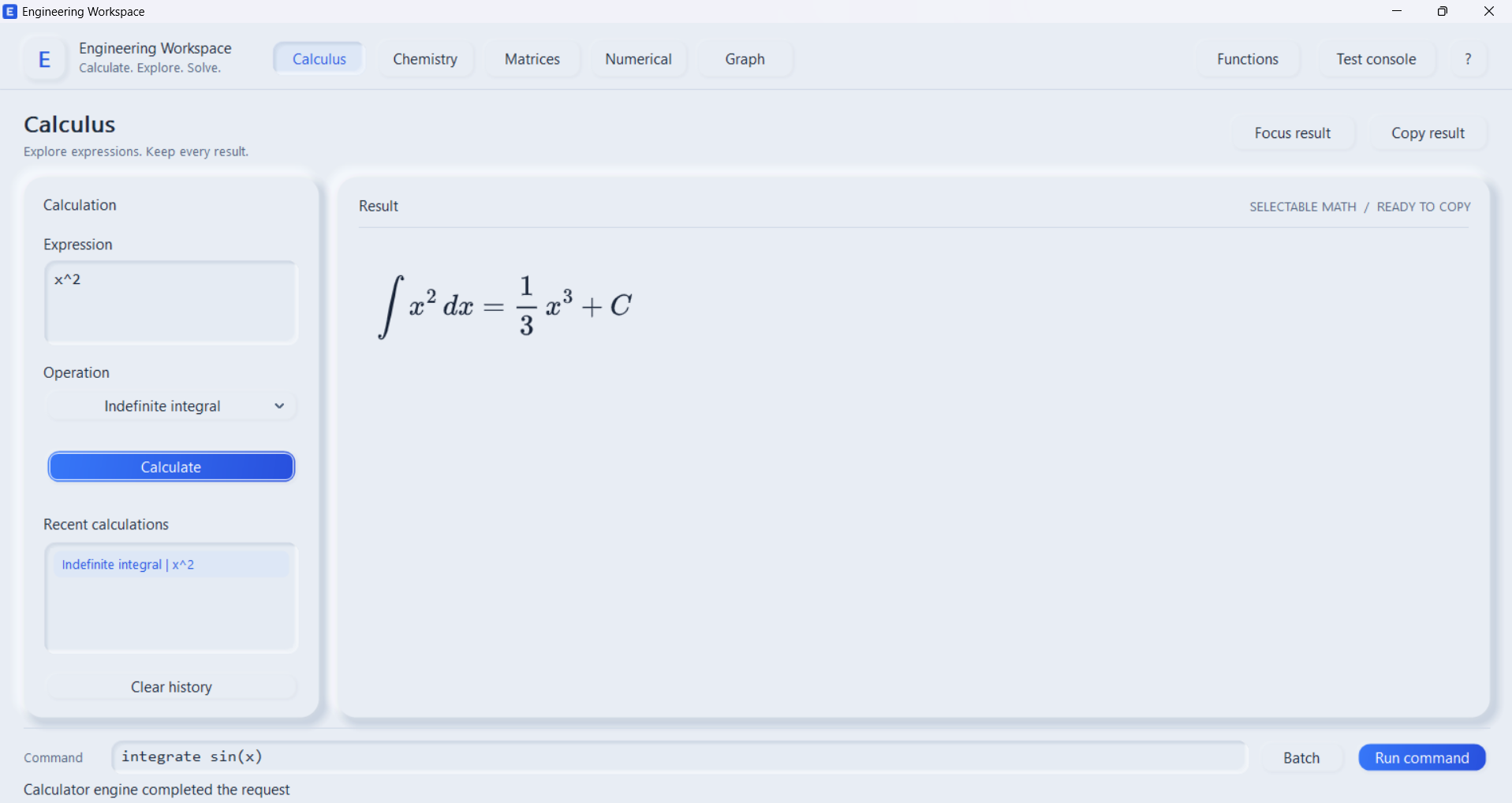
Integrate and differentiate expressions, then inspect the returned result and available verification details.
Windows beta · Free download
Explore symbolic calculus, plot functions, and work through engineering calculations in one free desktop application. Your calculations run on your computer.
WHAT'S INSIDE
Engineering Workspace brings its calculation tools together in a desktop interface, with a separate batch console for longer sets of commands.
Integrate and differentiate expressions, then inspect the returned result and available verification details.
Plot functions and explore their shape with interactive graph controls.
Work with matrices, numerical calculations, and the app's chemistry workspace.
Run lists of calculations from the included console and save result reports in your user profile.
SYMBOLIC INTEGRATION
The offline C++ engine works with polynomials, rational functions, trigonometric and hyperbolic expressions, exponentials, logarithms, and many algebraic radicals. It transforms expressions and checks candidate antiderivatives by differentiating them. Results can include domain conditions, and the app distinguishes completed, unsupported, and verification-limited outcomes.
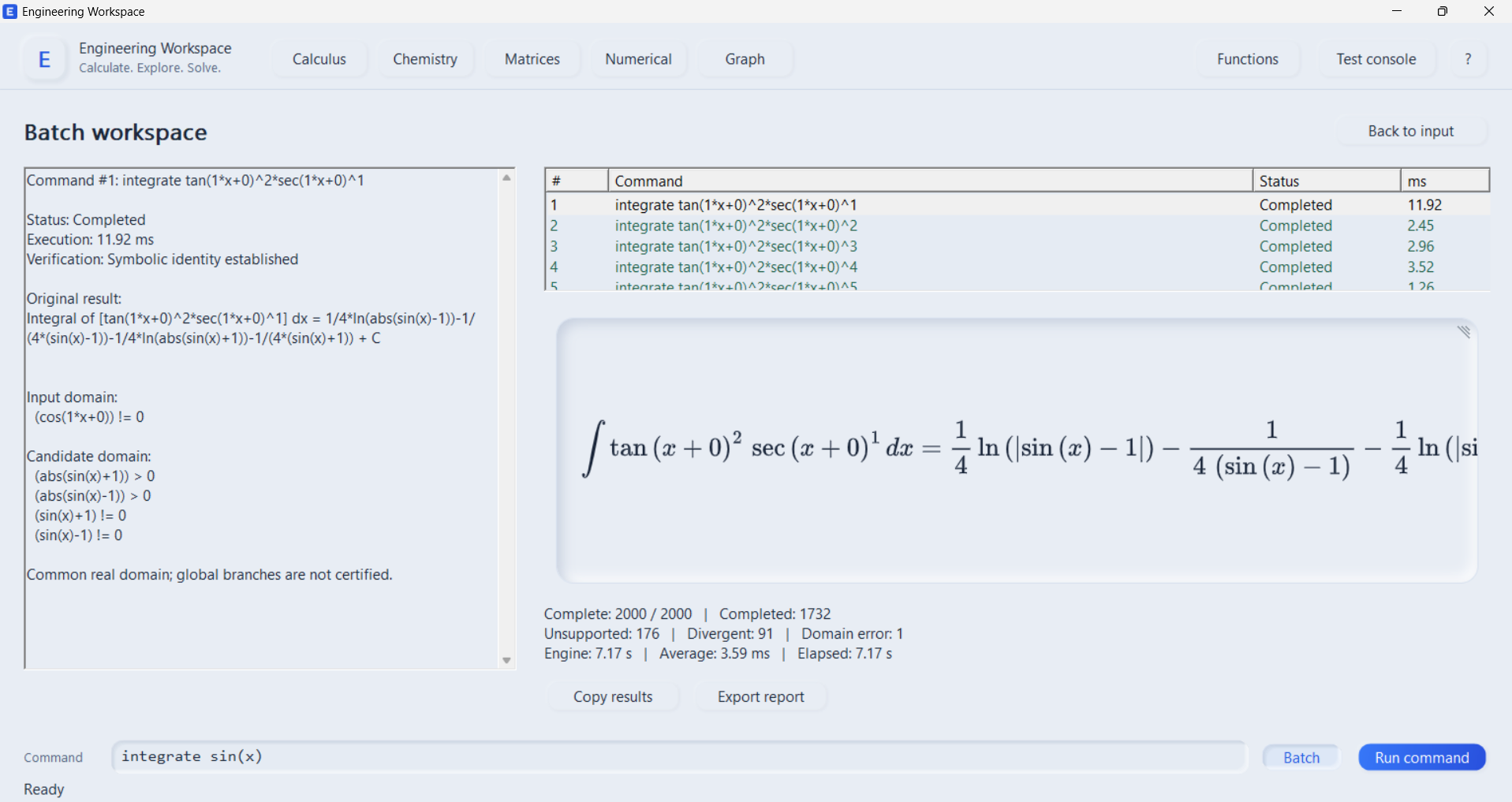
Use the calculus screen for one expression or the batch workspace for a list of commands.
Read a formatted antiderivative and the available verification details. Difficult expressions may remain unsupported.
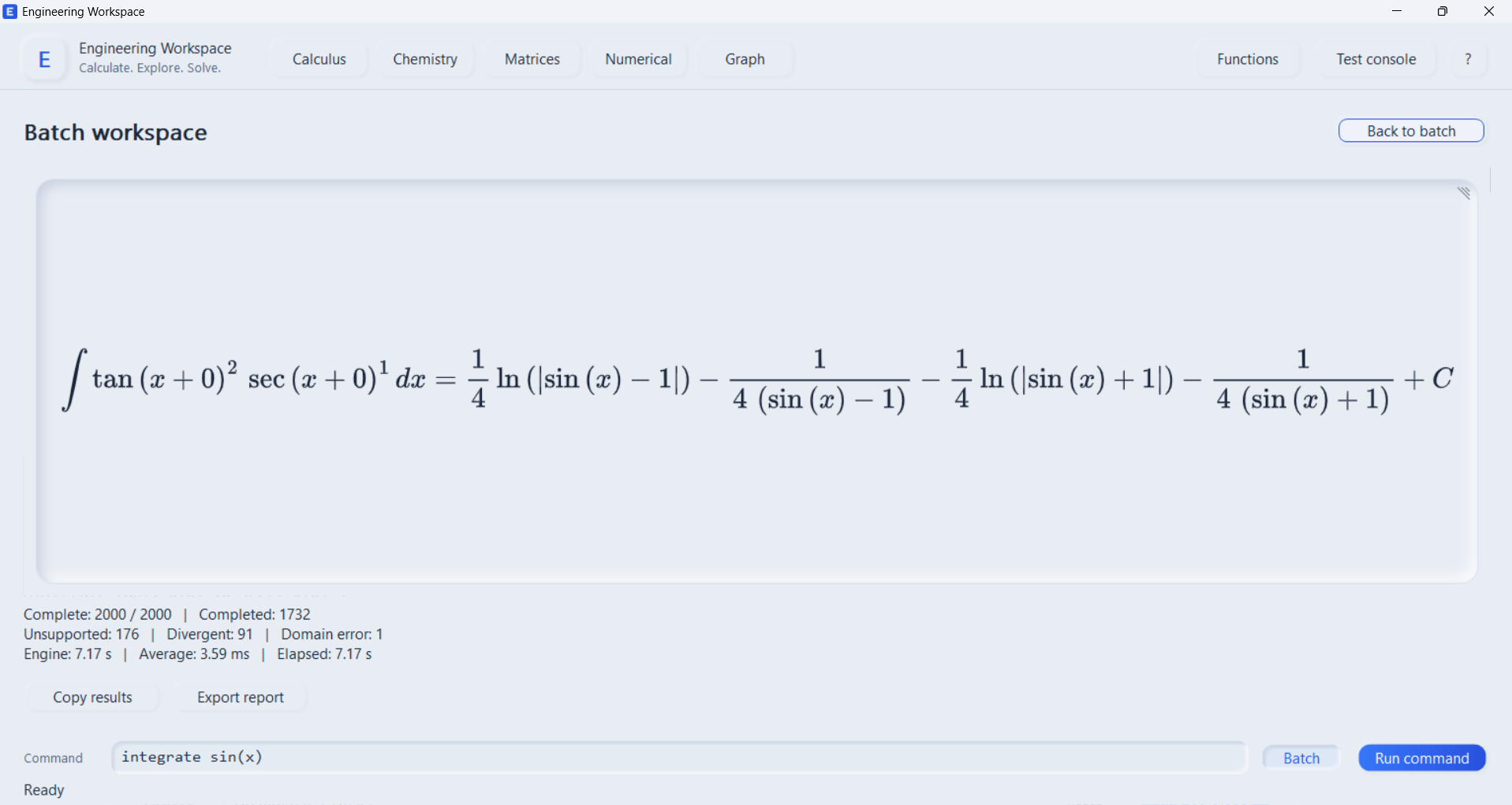
The batch workspace reports each command's status and engine time, then lets you export the report.
BENCHMARK EXPLORER
Filter 15 illustrative integrals from the v0.1.0 release benchmark. The table shows recorded runs; changing the filter does not run either solver in your browser.
C++ times are the app's reported engine time for each case in the 5,000-integral release run. SymPy 1.14.0 was run separately on the same Windows computer; its times include parsing and integration, with an 8-second limit per case. These are different measurement boundaries and a hand-picked sample, so the numbers are not an overall speed ranking. “Completed” indicates a returned antiderivative; it is not a claim that every possible domain was proved. Read the method and limitations.
| Integral | Family | C++ engine | SymPy |
|---|---|---|---|
| Loading comparison data… | |||
INSIDE THE APP
These screenshots show the Windows app handling a calculus calculation and a 2,000-command batch.
BUILT FOR YOUR DESKTOP
The mathematics engine runs locally. Once the application and its required Windows components are installed, routine calculations do not need a connection or an account.
DOWNLOAD
Download the free v0.1.0 Beta for Windows 10 or 11 x64. The installer sets up Start Menu access; the portable ZIP runs from an extracted folder. On a computer without Microsoft Edge WebView2 Runtime, the installer needs internet once to install that Windows component. Calculations then run locally.
Free installer and portable ZIP.
Windows 10 or 11 · No subscription · Offline calculations
ABOUT
Engineering Workspace is a free application for students and anyone who wants to explore mathematics and engineering calculations. It is currently in beta development. Some difficult integrals remain unsupported, and a reported result should be checked in context before use.